VERIFIED PARTNERS
Many of our partners are verified by the manufacturers
 US
US'/%3e%3cuse xlink:href='%23a' transform='scale(-1 1)'/%3e%3c/g%3e%3cg id='c'%3e%3cuse xlink:href='%23b' transform='rotate(72)'/%3e%3cuse xlink:href='%23b' transform='rotate(144)'/%3e%3c/g%3e%3cuse xlink:href='%23c' transform='scale(-1 1)'/%3e%3c/g%3e%3c/defs%3e%3cpath fill='%23039' d='M0 0h810v540H0z'/%3e%3cg fill='%23fc0' transform='matrix(30 0 0 30 405 270)'%3e%3cuse xlink:href='%23d' y='-6'/%3e%3cuse xlink:href='%23d' y='6'/%3e%3cg id='e'%3e%3cuse xlink:href='%23d' x='-6'/%3e%3cuse xlink:href='%23d' transform='rotate(-144 -2.344 -2.11)'/%3e%3cuse xlink:href='%23d' transform='rotate(144 -2.11 -2.344)'/%3e%3cuse xlink:href='%23d' transform='rotate(72 -4.663 -2.076)'/%3e%3cuse xlink:href='%23d' transform='rotate(72 -5.076 .534)'/%3e%3c/g%3e%3cuse xlink:href='%23e' transform='scale(-1 1)'/%3e%3c/g%3e%3c/svg%3e) EU
EU DE
DE'%3e%3cpath fill='%23012169' d='M0 0v30h60V0z'/%3e%3cpath stroke='%23fff' stroke-width='6' d='m0 0 60 30m0-30L0 30'/%3e%3cpath stroke='%23C8102E' stroke-width='4' d='m0 0 60 30m0-30L0 30' clip-path='url(%23b)'/%3e%3cpath stroke='%23fff' stroke-width='10' d='M30 0v30M0 15h60'/%3e%3cpath stroke='%23C8102E' stroke-width='6' d='M30 0v30M0 15h60'/%3e%3c/g%3e%3c/svg%3e) EN
EN
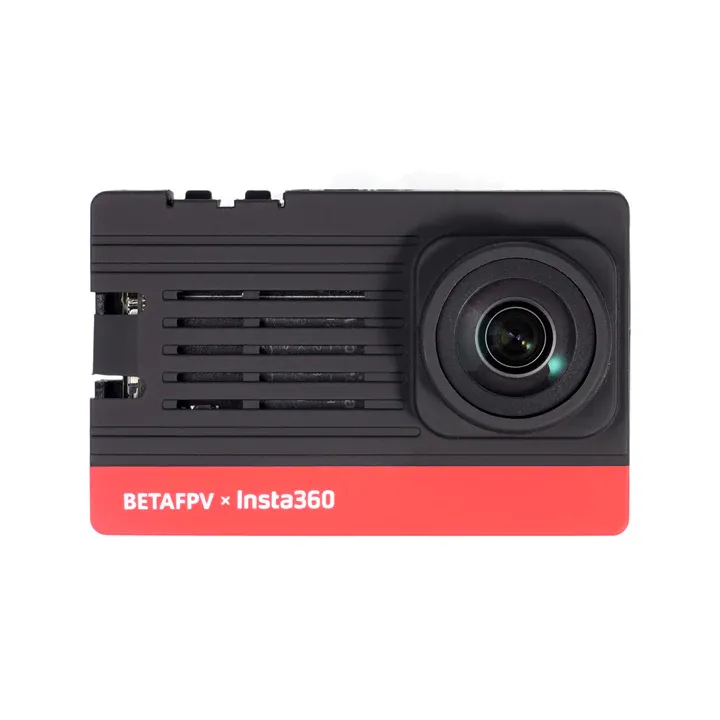
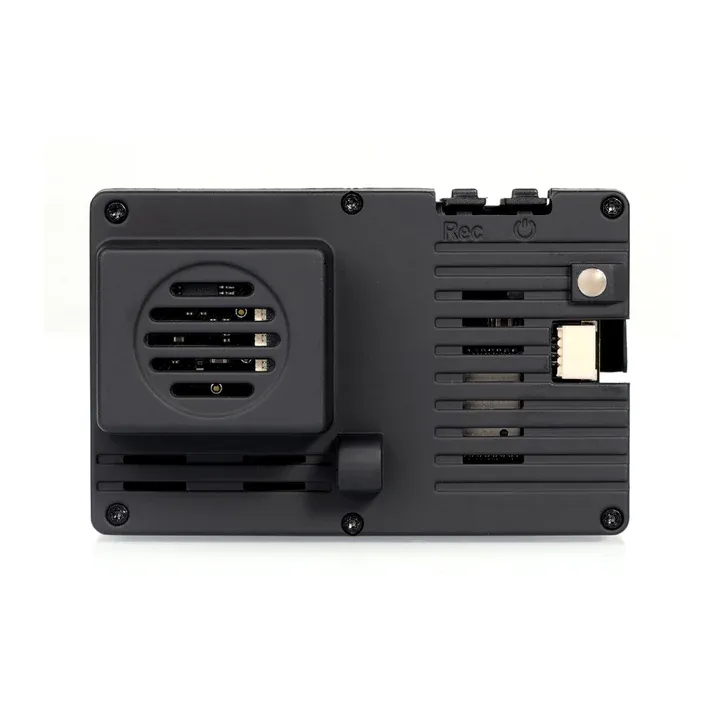
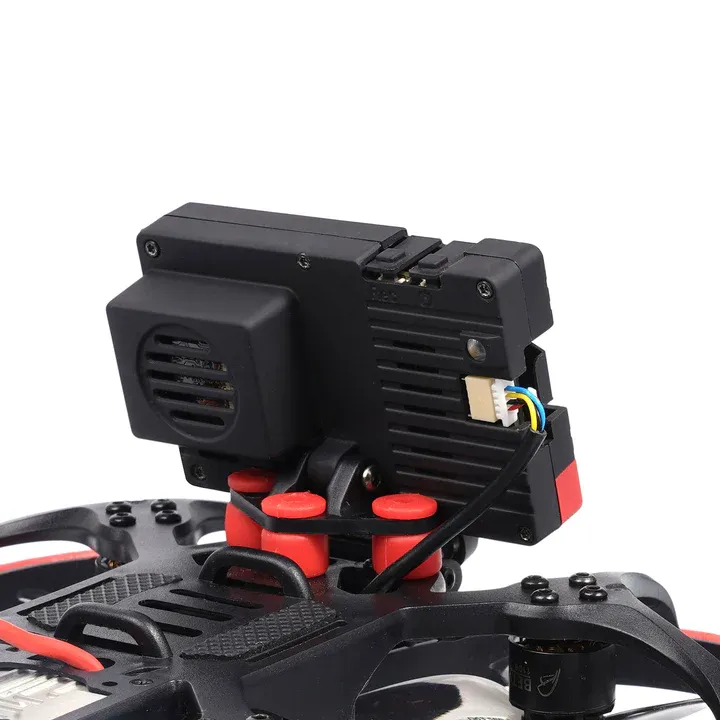
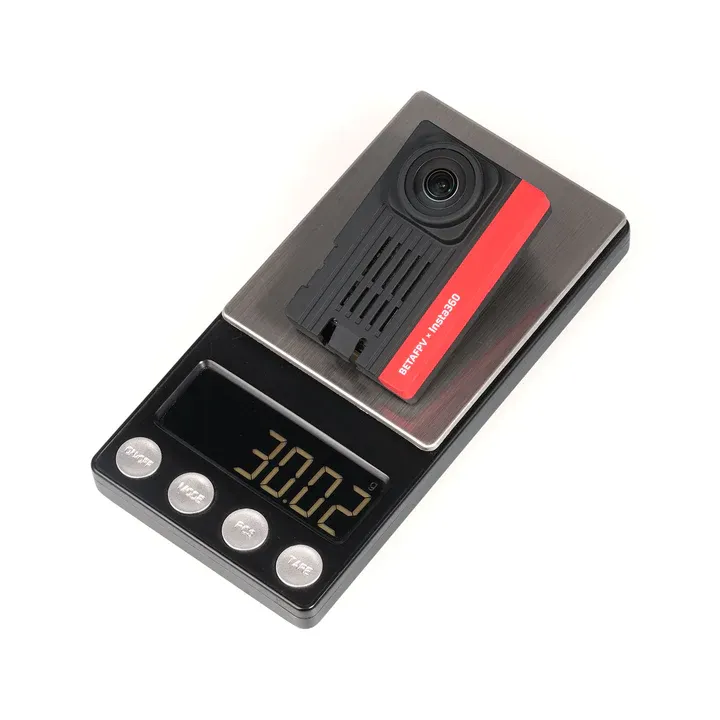
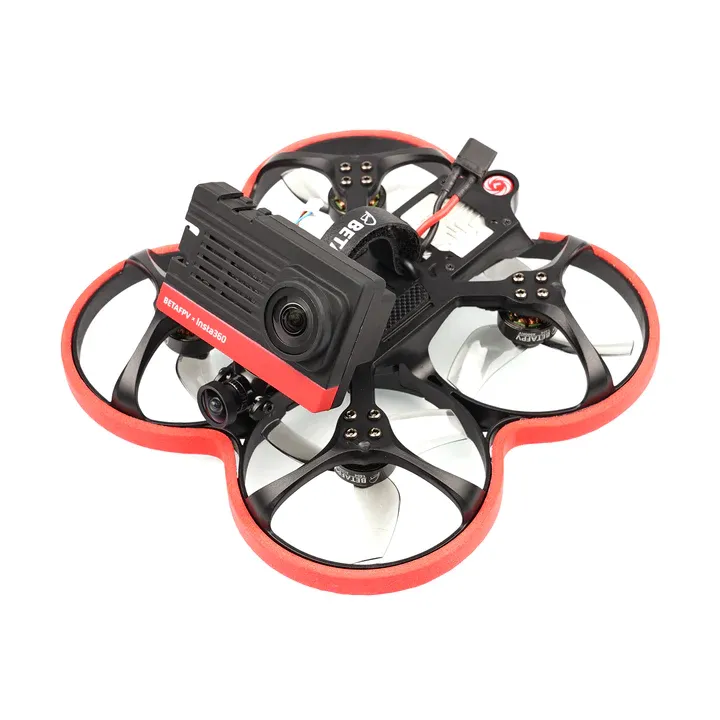





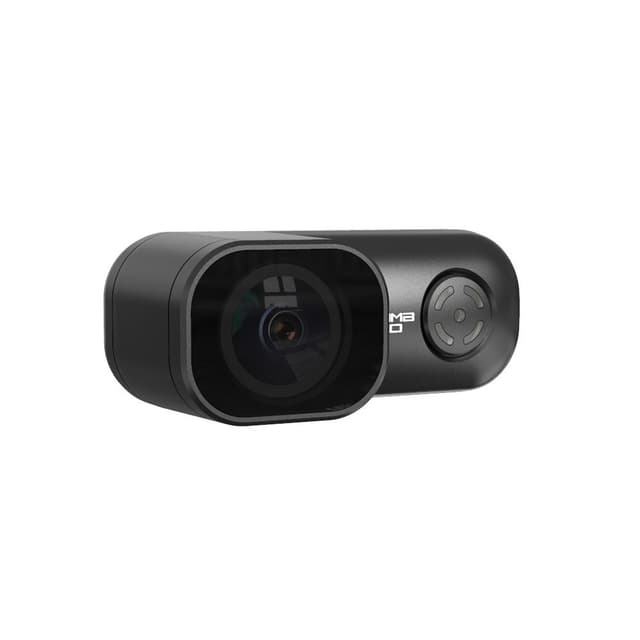
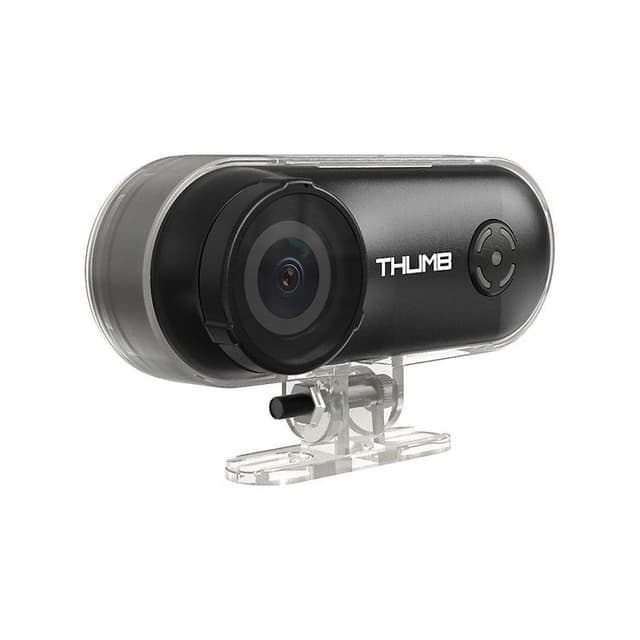
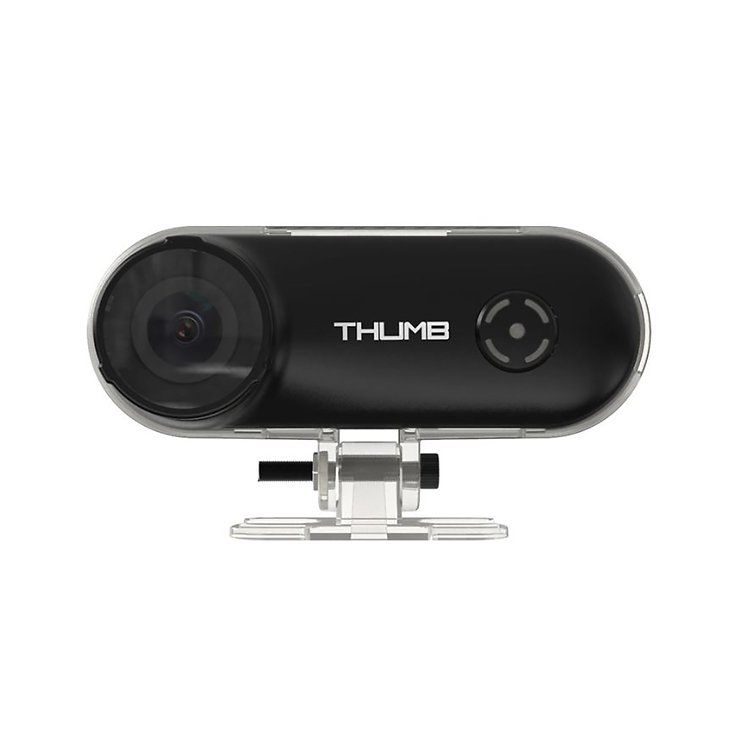
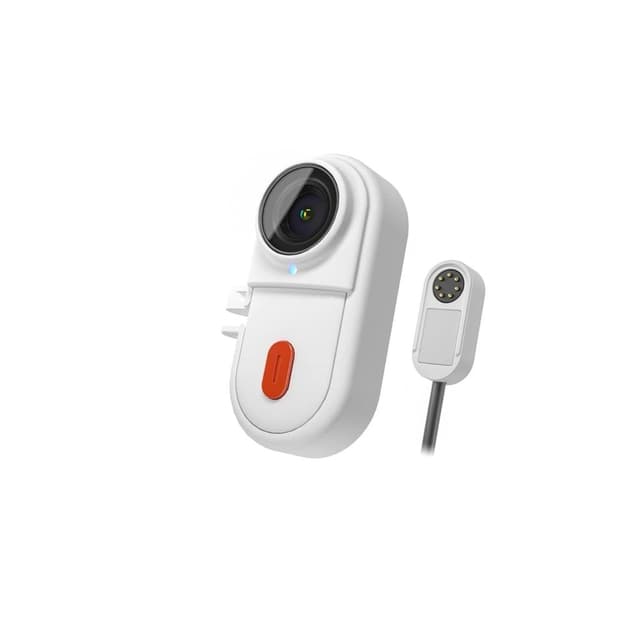
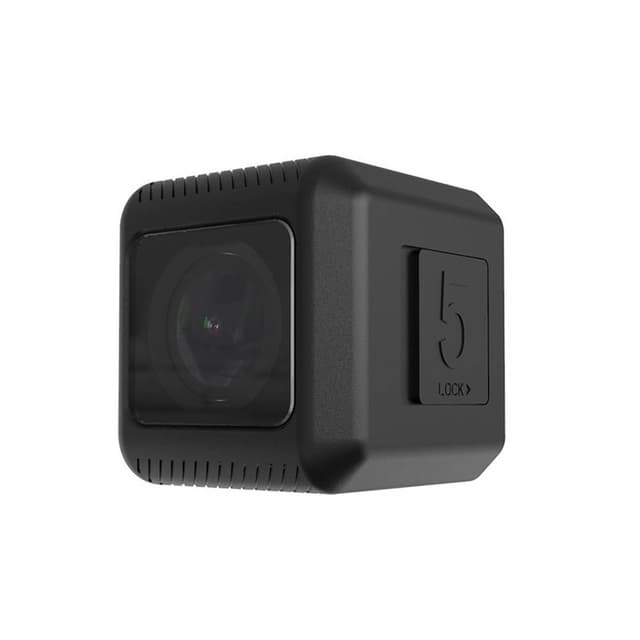
The SMO 4K Camera is a high-performance ultra-lightweight action camera developed by BETAFPV in collaboration with Insta360. It was specifically designed to provide high-resolution 4K video for micro cinewhoops and lightweight drones that are too small to carry a full-sized GoPro.
Ultra-Lightweight Performance: At just 30g, the SMO 4K is roughly 1/4th the weight of a standard GoPro. This allows small 2-inch to 3-inch cinewhoops to maintain their agility and flight time while still capturing professional-grade video.
Insta360 FlowState Stabilization: One of the biggest advantages of this camera is its integration with Insta360’s industry-leading stabilization. Whether you use the onboard stabilization or the desktop software, your footage will remain buttery smooth even during aggressive maneuvers.
4K Wide-Angle Video: It captures 4K video at 60fps with a wide field of view. The image quality is crisp and vibrant, making it suitable for professional cinematic FPV work.
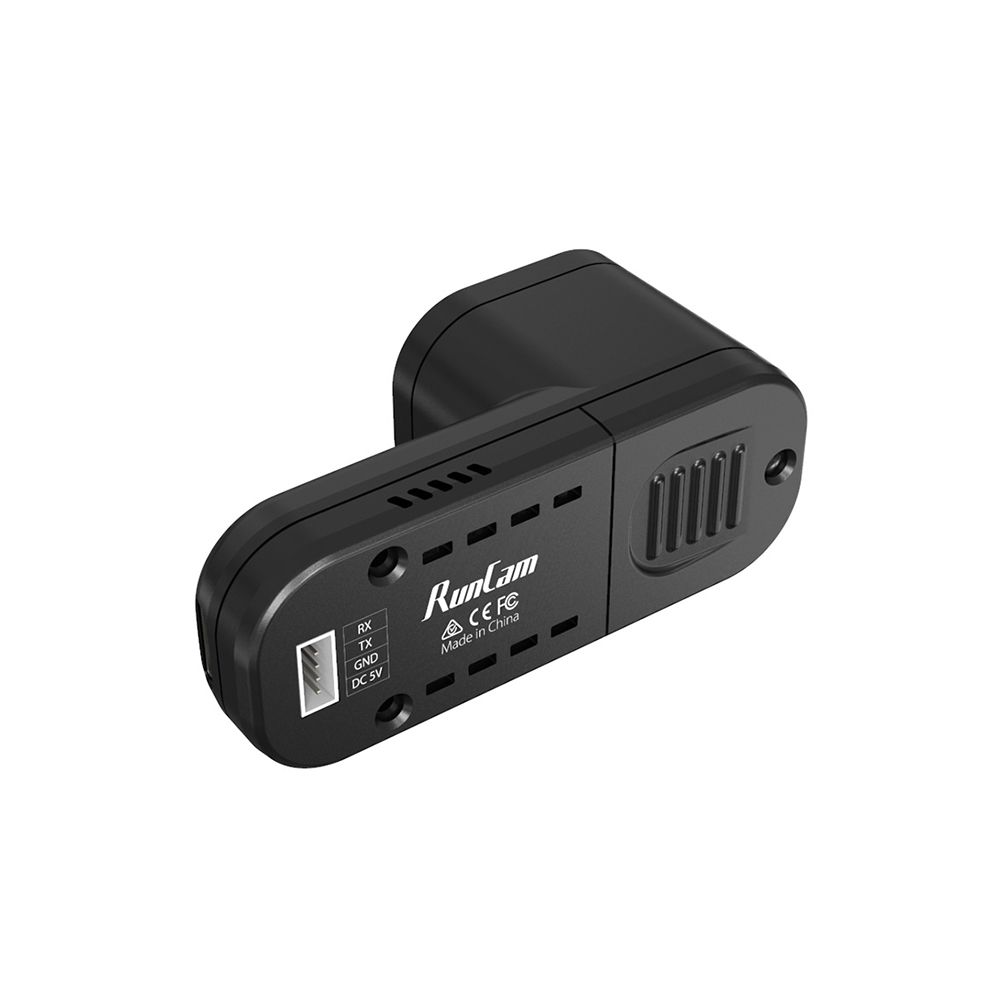
Direct Power Input: The camera features a built-in 2-6S power input (GH1.25 connector), meaning it is powered directly from your drone's flight battery. You don't have to worry about charging an internal camera battery.
Remote Control Integration: You can connect the camera to your flight controller to start and stop recording remotely via a switch on your radio transmitter.
Technical Specifications:
Weight: 30g
Size: 61.5mm × 39.4mm × 29.2mm
Resolution: 4K@60fps / 2.7K@100fps / 1080p@200fps
Aperture: f/2.8
Video Format: Insv (export via app/Studio) or Mp4
Power Range: 6V - 27V (2S-6S LiPo)
SD Card: MicroSD (UHS-I V30 speed class or above, max 1TB)
Lens: 16.4mm equivalent
The Pilot's Reality Check:
Processing Workflow: Since this uses Insta360 technology, the raw files are often in the .insv format. You will need to use the Insta360 Studio desktop app or the mobile app to apply stabilization and export the final .mp4 files.
Fragility: Because it is designed for low weight, the casing is plastic and the lens is exposed. Using the included UV filter is essential to prevent damage during crashes.
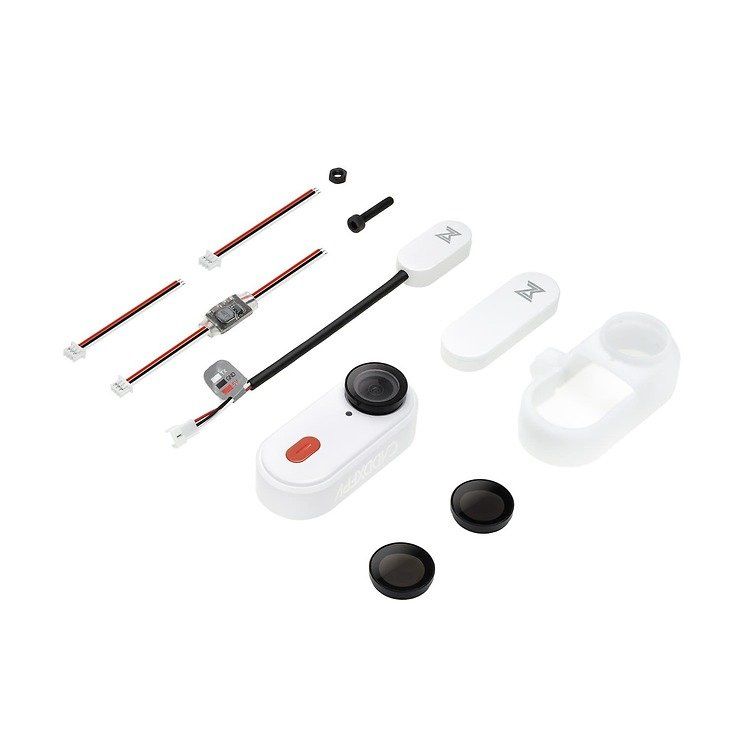
1 * SMO 4K Camera
1 * Spare Camera Back Cover
2 * SH1.25 Power Cables
1 * UV Filter
1 * ND16 Filter
1 * Screwdriver
1 * Set of Screws for mounting
1 * User Manual